

Enquiries
Parents asking about places, from the first call to admission.
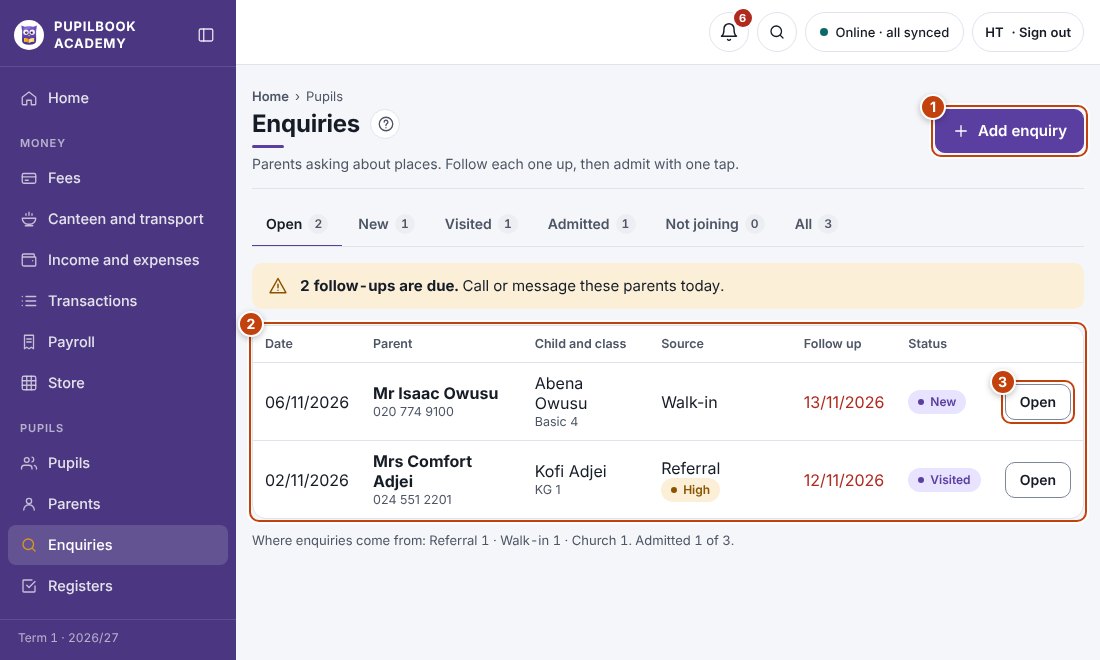
In the picture: 1 Add an enquiry · 2 Each enquiry and its follow-up date · 3 Open to update or admit.
Log an enquiry
Section titled “Log an enquiry”- Click Add enquiry.
- Enter the parent, the child, the grade wanted and a follow-up date.
Follow up
Section titled “Follow up”Open lists enquiries still going. Change the status as things move: New, Visited, Admitted or Not joining.
Open the enquiry and click Admit. The admission form is filled in for you.
- Follow-ups that are due show under the bell at the top of the screen.