

Settings
How the system looks on this device, and your sign-in.
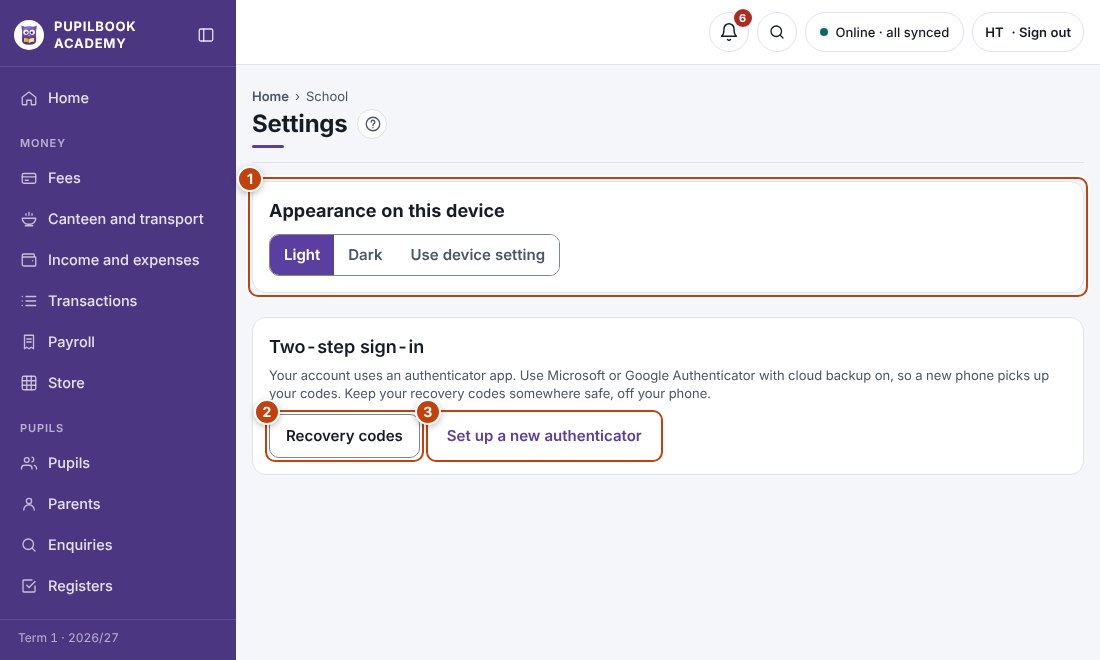
In the picture: 1 Light or dark screen · 2 Your recovery codes · 3 Set up a new authenticator.
The school’s crest, name and colours
Section titled “The school’s crest, name and colours”These are set up for your school by PupilBook. To change them, send the new crest or colours through Help, Chat with support.
Dark mode
Section titled “Dark mode”Choose Light, Dark or Use device setting.
New phone
Section titled “New phone”Use Set up a new authenticator under Two-step sign-in.